
How to Model
Dynamixs.AI is built on top of Imixs Workflow, a powerful open-source business process management engine. Process models in Dynamixs.AI are created using the BPMN 2.0 standard — the same industry-standard notation used across enterprise workflow systems worldwide. This makes it easy to get started and allows you to model business processes of any complexity, from simple approval workflows to sophisticated multi-step enterprise processes.
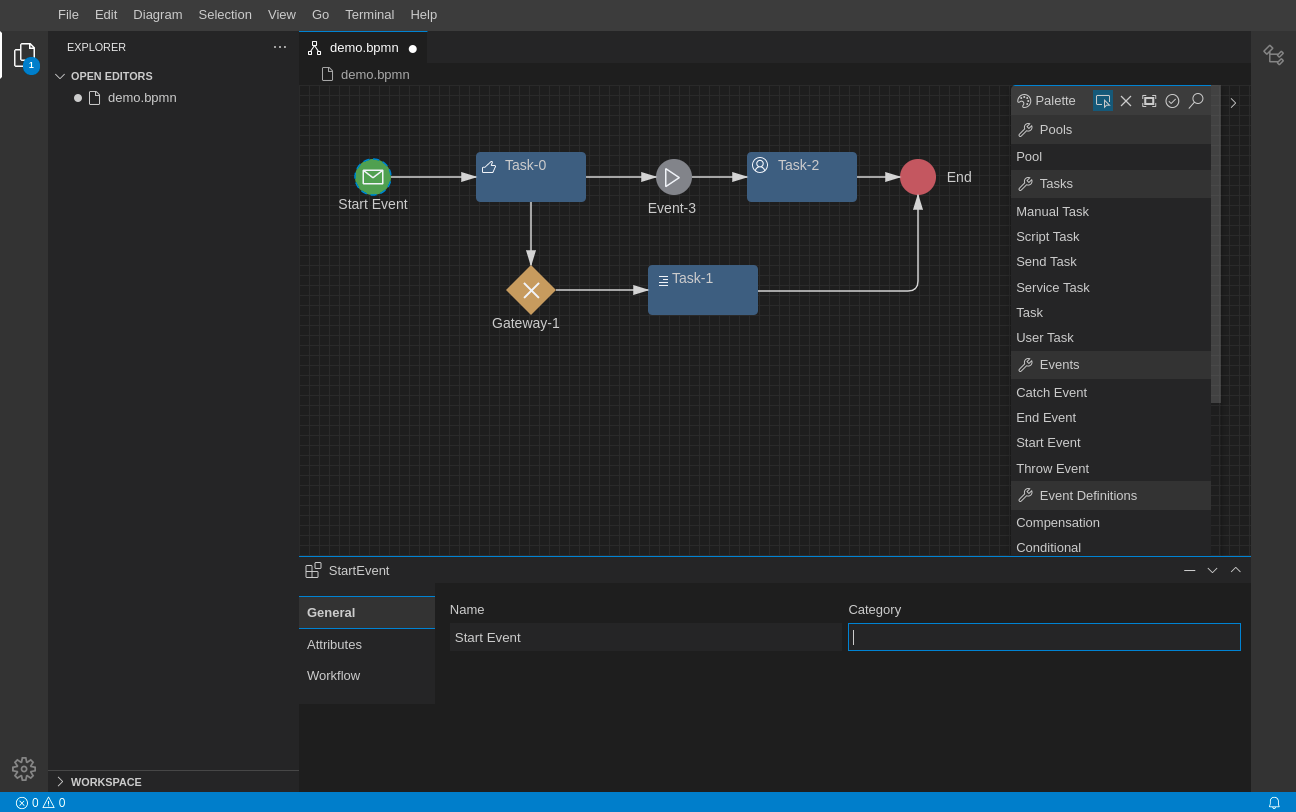
If you are new to BPMN modelling or Imixs Workflow, we recommend starting with the Imixs Modelling Guide. It covers all the foundational concepts you need — from Tasks and Events to Pools and the Imixs Workflow extensions. This guide focuses on the aspects that are specific to Dynamixs.AI — in particular, how to integrate AI capabilities directly into your process models.
The Core Concept
In Dynamixs.AI, AI prompts are defined directly inside your BPMN model — no external configuration files, no code. The approach is based on two standard BPMN 2.0 constructs: a Data Object and an Association.
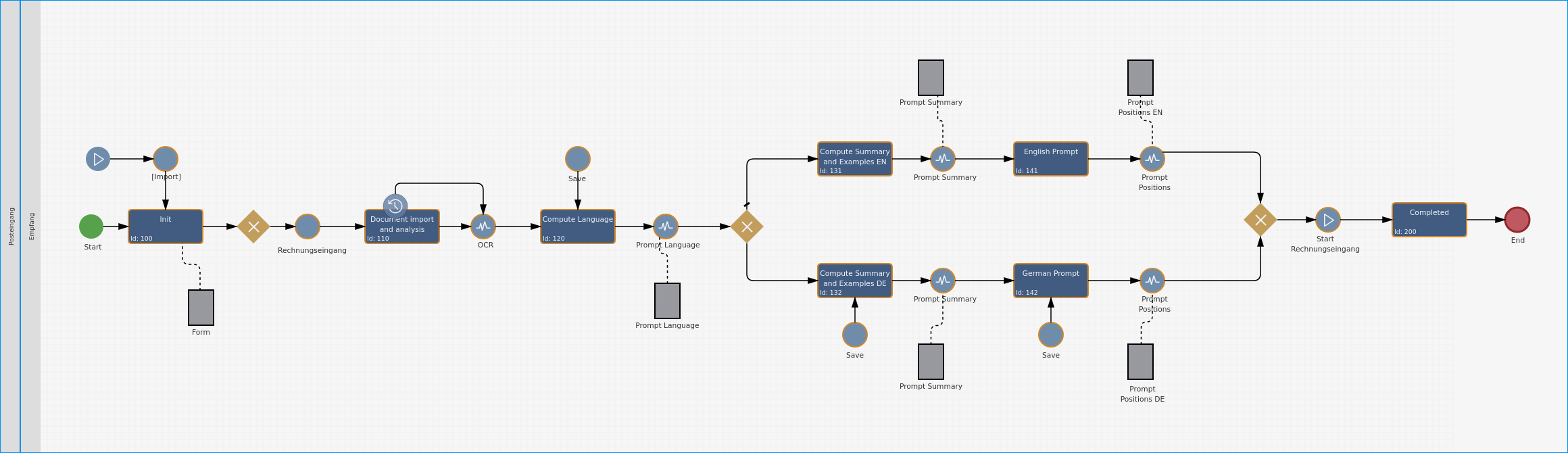
You create a Data Object in your BPMN model. You place a prompt definition inside the Data Object. You connect the Data Object to a Task or an Event using a BPMN Association.
The Event plays a central role here: it is the trigger point in the process where the AI interaction takes place. When the workflow engine processes an Event, it reads all Data Objects associated with it, executes the defined prompts against the configured LLM, and stores the results back into the process instance — as named data fields ready to be used by subsequent steps. This makes the entire AI behaviour model-driven: prompts live in the BPMN model, not in application code. You can update, extend or replace a prompt simply by editing the model — without touching the application or redeploying anything.
What's next
- How to prompt — Connect your BPMN process model with a language model.
- Asynchronous LLM Calls — How to handle long running LLM calls.
- AI Assistants — Build multi-step AI assistants with layered prompt templates across Tasks and Events.
- AI-driven Conditions — Let a language model make routing decisions at BPMN Conditional Gateways.